
Continue with Google
or

A course by Gabriel Steven, Video editing & Production
 99% Positive Reviews (273)
 4004 Students


A beginner’s guide to planning, editing, enhancing, and exporting polished videos using CapCut’s modern tools.
 MODULE 1
MODULE 2
MODULE 3
MODULE 4
MODULE 5
MODULE 6
MODULE 7
MODULE 8
MODULE 9
MODULE 10
MODULE 1
MODULE 2
MODULE 3
MODULE 4
MODULE 5
MODULE 6
MODULE 7
MODULE 8
MODULE 9
MODULE 10
Empower and fuel your creativity and passion for learning, read testimonials


This is my very best first Capcut video editing course I've ever registered. I really enjoyed every single teaching of how the class is been organized and well detailed. God bless you our dear able coach GABRIEL STEVEN for the wonderful knowledge you impacted in us.

this is the most easiest capcut course I have ever gotten. the instructor makes the work so easy and sweet. thank you so much. atleast, the first time I can body say I didn't waste my money on online studies.

The lessons are absolutely simple to understand, and i encourage everyone to make good use of this opportunity to learn and become digitally inclined.

I'm enjoying my lesson so far. The tutor actually came down to my level and made the lesson very clear and easy to understand.🥰

So organized.. Dishing information bits by bits to ease comprehension..Very explanatory.. Detailed.. Speech speed is perfect

the lessons went well and was very impactful, but I think we can work on unnecessary repetition. overall lesson was on point

I have really gotten more than what I have paid for , I love the presentation and teaching style..... perfect word delivered.

Mr Gabriel! You did an excellent job jwith all your explanations… thank you very much for the wonderfull lessons.

This course has been very impactful and interesting. Well detailed, I'm thrilled to be part of this journey.

The course is well detailed, easy to understand and straight to the point. The lessons are also very short.


The videos are efficiently compressed for quick downloads at any time.
Once your payment is complete, you will have full access to the course lessons and materials. You can download and watch them at your convenience, and our team will provide full support and assistance throughout your learning journey.
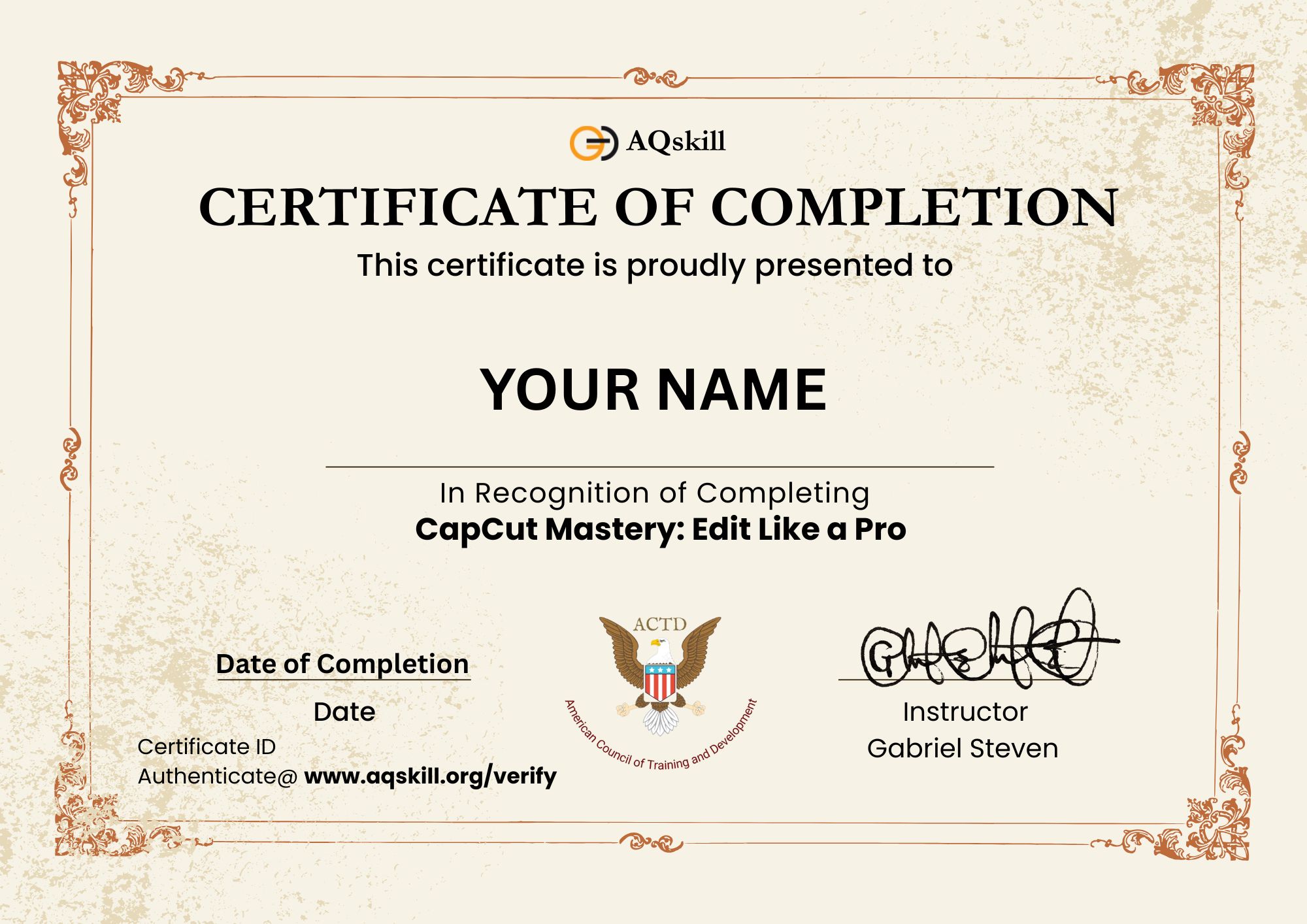
Once you have completed the course, you can easily download your certificate directly from your dashboard.
Empower and fuel your creativity and passion for learning, read testimonials
This is my very best first Capcut video editing course I've ever registered. I really enjoyed every single teaching of how the class is been organized and well detailed. God bless you our dear able coach GABRIEL STEVEN for the wonderful knowledge you impacted in us.
this is the most easiest capcut course I have ever gotten. the instructor makes the work so easy and sweet. thank you so much. atleast, the first time I can body say I didn't waste my money on online studies.
The lessons are absolutely simple to understand, and i encourage everyone to make good use of this opportunity to learn and become digitally inclined.
I'm enjoying my lesson so far. The tutor actually came down to my level and made the lesson very clear and easy to understand.🥰
So organized.. Dishing information bits by bits to ease comprehension..Very explanatory.. Detailed.. Speech speed is perfect
the lessons went well and was very impactful, but I think we can work on unnecessary repetition. overall lesson was on point
I have really gotten more than what I have paid for , I love the presentation and teaching style..... perfect word delivered.
Mr Gabriel! You did an excellent job jwith all your explanations… thank you very much for the wonderfull lessons.
This course has been very impactful and interesting. Well detailed, I'm thrilled to be part of this journey.
The course is well detailed, easy to understand and straight to the point. The lessons are also very short.
3days 1hour left
 58 Lessons(5 Hours)
 3 years access to course
 4004 Students
 Skill level : All Levels
 Certificate : Yes
 Rated: 4.6



Choose from variety of courses and learning path
 5
5


 Video editing & Production
  285
4.8
285
4.8
3days 1hour left
₦3,500
₦11,670
These are pillars that trusted and support our vision and mission