UI/UX design
  1234
1234 



Continue with Google
or

A course by Qamardeen Abdul, UI/UX design
 99% Positive Reviews (1)
 297 Students


Master UX/UI design with Figma through real projects, prototyping, research, design systems, and portfolio building.
 Module 1: UX/UI Design Fundamentals & Industry Overview
Module 2: Core Visual & Interaction Design Foundations
Module 3: UX Research Mastery
Module 4: Product Strategy & Problem Framing
Module 5: Information Architecture & User Flows
Module 6: Wireframing & Rapid Ideation
Module 7: High-Fidelity UI & Design Systems
Module 8: Prototyping & Interaction Design
Module 9: Usability Testing & Iteration
Module 10: Developer Handoff & Real Team Collaboration
Module 11: Portfolio, Case Studies & Job Readiness
Module 12: Capstone Projects (End-to-End Real Product Execution)
Module 13: Full Design Walkthrough (Mobile App)
Module 14: Full Design Walkthrough (Dashboard)
Module 15: Full Design Walkthrough (Landing Page)
Module 1: UX/UI Design Fundamentals & Industry Overview
Module 2: Core Visual & Interaction Design Foundations
Module 3: UX Research Mastery
Module 4: Product Strategy & Problem Framing
Module 5: Information Architecture & User Flows
Module 6: Wireframing & Rapid Ideation
Module 7: High-Fidelity UI & Design Systems
Module 8: Prototyping & Interaction Design
Module 9: Usability Testing & Iteration
Module 10: Developer Handoff & Real Team Collaboration
Module 11: Portfolio, Case Studies & Job Readiness
Module 12: Capstone Projects (End-to-End Real Product Execution)
Module 13: Full Design Walkthrough (Mobile App)
Module 14: Full Design Walkthrough (Dashboard)
Module 15: Full Design Walkthrough (Landing Page)
Empower and fuel your creativity and passion for learning, read testimonials


I love this course.it goes in-depth beyond the UI design


The videos are efficiently compressed for quick downloads at any time.
Once your payment is complete, you will have full access to the course lessons and materials. You can download and watch them at your convenience, and our team will provide full support and assistance throughout your learning journey.
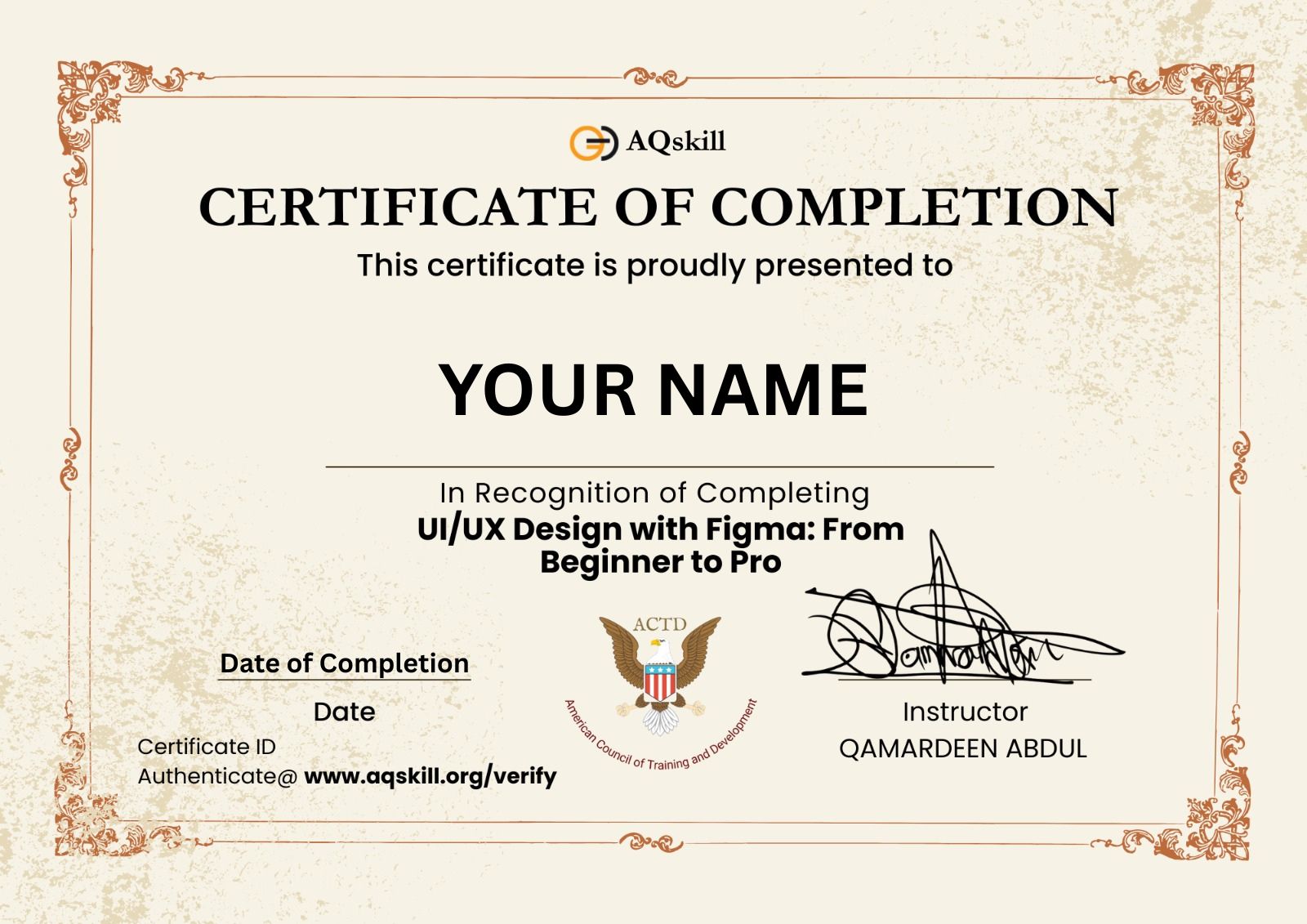
Once you have completed the course, you can easily download your certificate directly from your dashboard.
Empower and fuel your creativity and passion for learning, read testimonials
I love this course.it goes in-depth beyond the UI design
1day 13hours left
 134 Lessons(20 Hours)
 3 years access to course
 297 Students
 Skill level : All Levels
 Certificate : Yes
 Rated: 5.0



1day 13hours left
₦8,000
₦26,500
These are pillars that trusted and support our vision and mission