Limited Time Offer – Get Up to 70% Off Courses!

00 Hour
00 Mins
00 Secs
CapCut Video Editing Tutorial for Beginners | AQskill

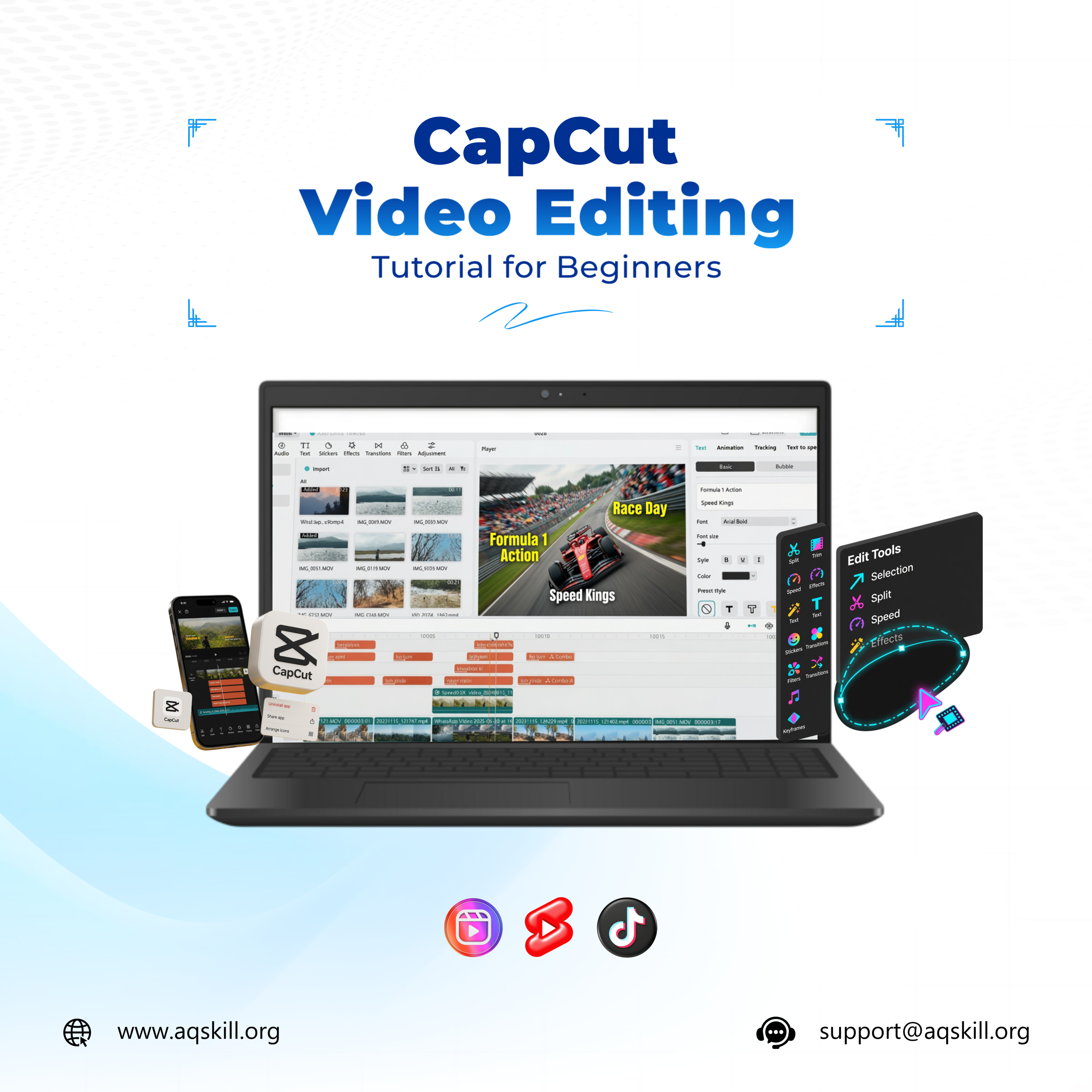
CapCut Video Editing Tutorial for Beginners
Published 22 hours ago

The process of creating video content was an incredibly costly computer set-up and weeks of learning heavy and complicated professional video software. However, with the advent of short-form video platforms such as TikTok, Instagram Reels, and YouTube Shorts, the landscape has changed and mobile video editing is now among the most profitable skill sets for remote work! To access this colossal digital environment, it’s time to master the CapCut app usage. It is a very powerful mobile solution which can create very professional video products, even like Hollywood video production, and can be accessed by anyone with a smartphone and for free.

The simplest method to get the hang of CapCut is to learn some basic tools that can immediately improve your content. The first thing you should learn is how to trim and split video material exactly like you need, in order to make your story seem fast-paced and keep your audience engaged. If you can handle the basic timeline, you can get into more sophisticated features such as adding auto-captions, employing popular video transitions, and using key frame animation to move text and graphics seamlessly across the screen. These are the basic skills that leading brands are seeking when they recruit a professional content creator or social media manager.

You may attempt to amass bits and pieces of random tips from a random CapCut video editing tutorial for beginners online, but you will typically end up with a lot of information missing. For the right kind of learning and turning the tool into a valuable technology and business asset, it’s a far better idea to use a structured learning platform like AQskill online. They have a dedicated CapCut mastery course that provides a clean and step-by-step set of instructions that teach you how to edit like a pro. Best of all – all of the video lessons are downloadable so you can save them to your phone and learn to edit offline without consuming any of your mobile internet data!

After the training is finished you will be given a digital certificate to show off to prospective clients as proof of your editing skills. One of the skills that your portfolio will show you more than tell, is video production, so you can use your new skill to create a reel reel of your top videos and post them on your social media or freelance videos sites. From cultivating personal branding to producing content for local businesses or even landing freelance projects for clients worldwide, CapCut’s capabilities make it an incredibly quick and easy option for earning money in today’s digital economy.

GET OUR LATEST NEWS & UPDATES

These are pillars that trusted and support our vision and mission

Select your currency