Master professional video editing with Adobe Premiere Pro through a practical, step-by-step training designed to take learners from complete beginners to confident video editors capable of creating high-quality content for YouTube, social media, films, advertisements, documentaries, and professional client projects.
This course is structured in clear, progressive modules that take you from
understanding the basics of video editing → learning the Premiere Pro interface → editing videos professionally → working with audio, effects, titles, and motion graphics → colour grading → advanced VFX techniques → exporting and publishing high-quality projects.Whether your goal is to become a freelance video editor, grow a YouTube channel, edit social media content, create cinematic videos, or simply develop a valuable digital skill, this course gives a practical, hands-on learning experience with real editing workflows and project-based assignments.
What You’ll Learn (By Modules)Module 1: Introduction to Video Editing & Premiere ProYou’ll learn the fundamentals of video editing, understand how editing workflows work, explore the Adobe Premiere Pro interface, set up your workspace properly, import media files, organize projects professionally, and install Premiere Pro correctly based on your system specifications.
Module 2: Basic Editing TechniquesYou’ll learn the core editing skills every editor must know, including creating sequences, cutting and trimming clips, ripple edits, rearranging clips, timeline navigation, playback speed control, reverse playback, nesting sequences, and understanding supported video formats.
Module 3: Working with AudioYou’ll learn how to improve the sound quality of your videos using background music, sound effects, audio enhancement tools, transitions, noise removal techniques, and audio balancing methods to create cleaner and more professional videos.
Module 4: Transitions & Video EffectsYou’ll learn how to make your edits smoother and visually engaging using transitions, video effects, adjustment layers, countdown effects, transition templates, and several practical editing techniques professional editors use for faster workflows and cleaner edits.
Module 5: Titles, Graphics & MotionYou’ll learn how to create attractive titles, animated text, lower thirds, logo animations, motion graphics, rolling credits, and cinematic movement using motion controls and keyframing techniques. You’ll also learn how to use MOGRT templates to speed up production workflows.
Module 6: Color Correction & Color GradingYou’ll learn the principles of color theory, color correction, cinematic color grading, Lumetri Color workflows, LUTs, and techniques used to create visually consistent and professional-looking videos.
Module 7: Advanced Editing TechniquesYou’ll move into professional-level editing workflows, including green screen editing, masking, compositing, split-screen editing, advanced visual effects (VFX), clone effects, screen replacement, thunder effects, and other creative editing techniques used in high-quality productions.
Module 8: Exporting & PublishingYou’ll learn how to properly export videos for different platforms while maintaining quality and optimizing file settings for YouTube, social media, client delivery, and other publishing platforms.
Module 9: Capstone Projects & CertificationYou’ll apply everything learned throughout the course by completing practical editing projects including a documentary edit, short film edit, and music video project. These projects are designed to help build practical experience, confidence, and portfolio-ready work.
Who This Course Is For
- Beginners who want to learn video editing from scratch
- Content creators and YouTubers who want to create professional videos
- Social media managers and marketers creating video content
- Freelancers who want to offer video editing services
- Filmmakers and creatives interested in cinematic editing
- Anyone who wants to master Adobe Premiere Pro professionally
What You’ll Walk Away WithBy the end of this course, you’ll have a complete understanding of Adobe Premiere Pro workflows—from importing footage and organizing projects to editing, sound design, motion graphics, color grading, VFX, exporting, and publishing professional-quality videos.
You’ll also complete multiple real-world editing projects that can strengthen your portfolio, improve your editing confidence, and prepare you for freelance work, content creation, client projects, or career opportunities in video production.
Key QuestionsWhat are the course requirements?Access to a Laptop or computer.
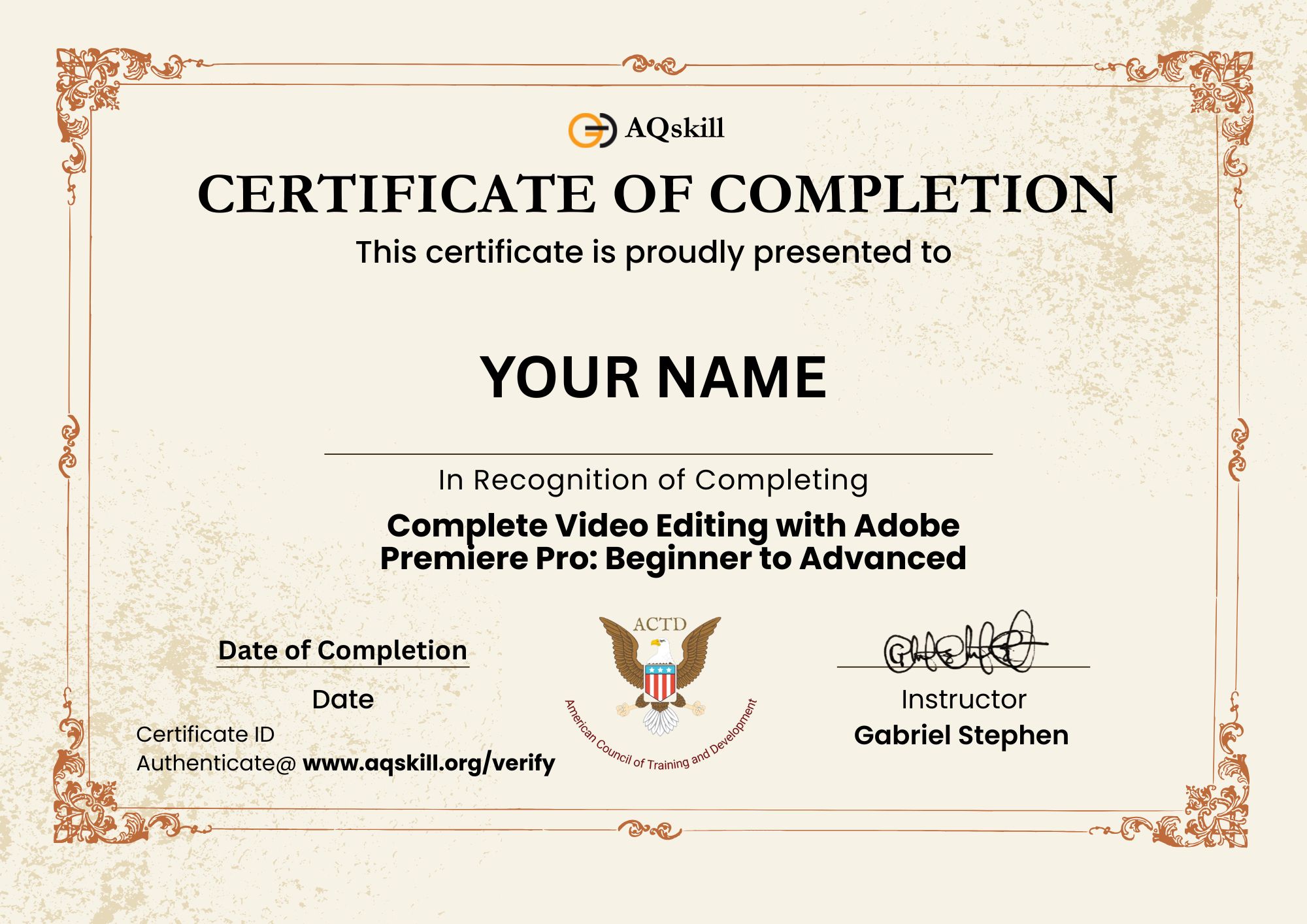
Will the certificate be issued?Yes, a certificate of completion will be issued at the end of the course at No charge.