The Ultimate Canva Masterclass: Graphic Design & Video Editing is a practical, project-based course designed to help you create professional-quality graphics, marketing materials, and engaging videos using Canva. Whether you are a complete beginner, business owner, freelancer, content creator, student, or social media manager, this course will teach you how to confidently use Canva's powerful design and video editing tools to produce designs that stand out.
You will begin by learning the Canva interface, setting up documents, understanding the available tools, and mastering essential design features. As you progress, you'll build real-world projects including flyers, posters, social media graphics, logos, book covers, YouTube thumbnails, and promotional materials while applying proven design principles used by professionals.
Beyond graphic design, you'll also master Canva's built-in video editor. Learn how to create animated videos, edit reels, add transitions, captions, subtitles, product animations, faceless videos, documentaries, and social media content—all without needing expensive software or prior editing experience.
The course also includes dedicated smartphone lessons, allowing you to design and edit directly from the Canva mobile app, making it easy to create professional content from anywhere.
Course Highlights
🔹 Master Canva From the Ground Up
Start with the fundamentals by learning how Canva works, choosing between the Free and Pro versions, navigating the interface, creating new designs, resizing documents, importing files, and understanding every important tool available inside Canva. You'll also discover useful productivity features that make designing faster and more efficient.
🔹 Build Strong Graphic Design Skills
Learn how to work with typography, colors, shapes, lines, layouts, templates, mockups, 3D elements, alignment tools, and copy styles while applying essential design principles that make every project clean, balanced, and visually appealing. By the end of this section, you'll be able to create designs that look polished and professional.
🔹 Create Real-World Design Projects
Put your knowledge into practice by designing a wide range of professional projects including typography posters, advertisement flyers, product posters, political flyers, salon promotions, church flyers, birthday posters, exercise book covers, children's activity books, YouTube thumbnails, and logos. You'll also learn practical techniques that instantly make your designs more attractive and engaging.
🔹 Master Canva Video Editing
Discover how to use Canva's powerful video editor to create professional video content from start to finish. Learn animations, transitions, text effects, subtitles, captions, beat synchronization, product animations, reel editing, faceless videos, documentary editing, and the advanced features that help produce engaging videos for social media, businesses, and personal brands.
🔹 Design and Edit Professionally on Your Smartphone
Take your creativity anywhere by learning how to use the Canva mobile app effectively. You'll explore the mobile interface, create professional flyers directly from your phone, and edit engaging reel videos without needing a computer, making content creation faster and more convenient wherever you are.
Key Questions
What are the course requirements?
Access to a Mobile phone or Laptop.
Will the certificate be issued?
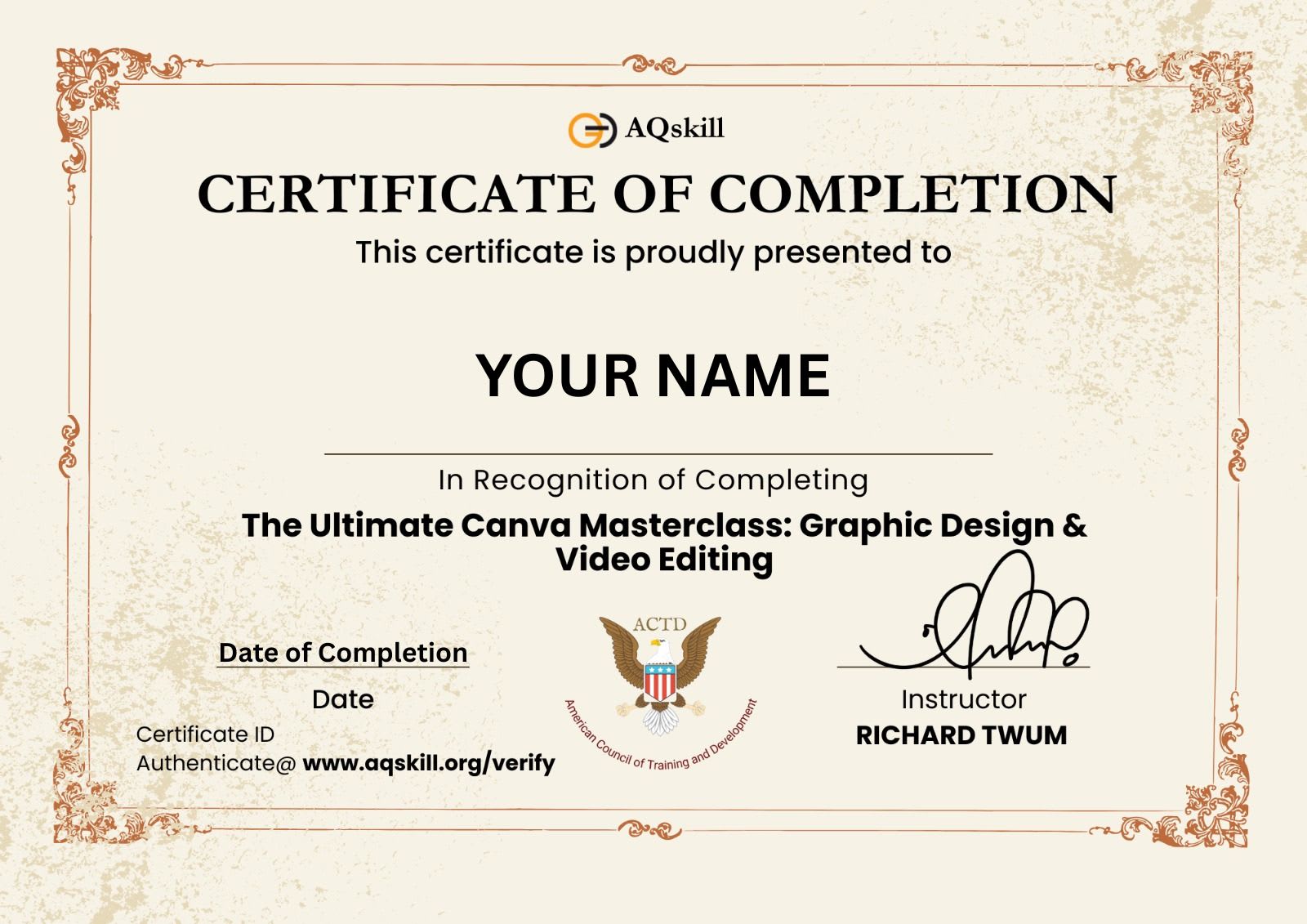
Yes, a certificate of completion will be issued at the end of the course at No charge.
Expand all
Introduction
3 lectures
Getting Started
25 lectures
Project Works
22 lectures
Video Editing
22 lectures
Smartphone Designs
11 lectures
--