

Cartoon Creation and Animation using Photoshop and Character Animator
A course by Onoja Michael, Cartoon Creation & Animation
 99% Positive Reviews (31)
 2350 Students


Learn to design, rig, animate, and composite expressive 2D characters using Character Animator, Photoshop, and After Effects.
What you'll learn
-
How to navigate and configure Adobe Character Animator for a smooth, professional animation workflow
-
How to design animation-ready characters in Photoshop using proper layer structure and naming
-
How to rig 2D characters correctly so they move naturally and respond to controls
-
How to create realistic walk cycles from different angles (front, left, and quarter views)
-
How to animate characters using both frame-by-frame and keyframe techniques
-
How to design and color backgrounds and environments that fit animated scenes
-
How to use the Motion Library to speed up animation and create complex actions
-
How to record live character performances using a webcam or phone camera
-
How to animate expressive head movements using Head Turner behaviors
-
How to composite, add effects, camera depth, sound, and music in After Effects for a polished final animation
Whether you’re an aspiring animator, content creator, motion designer, or student building portfolio projects, this course focuses on practical skills, clear workflows, and hands-on projects—so you don’t just watch tutorials, you actually learn how animation is built from start to finish.
Course Highlights
🔹 Getting Started with Character Animator
Begin with a clear introduction to 2D animation using Character Animator. Learn how the software works, understand the interface, and set up your workspace correctly so you can animate confidently without feeling overwhelmed.
🔹 Software Setup & Troubleshooting
Download and configure all required applications the right way. Learn how to resolve common issues efficiently—including using ChatGPT as a smart problem-solving assistant—and correctly linking Character Animator with Photoshop for a smooth workflow.
🔹 Reference-Based Design & Visual Planning
Discover how professional animators use reference images to guide character and environment design. Learn how to collect, analyze, and apply references so your work looks intentional and well-structured, not random.
🔹 Photoshop for Animators
Master the essential Photoshop tools needed for animation. Create documents, design characters from scratch, structure layers correctly, name parts properly, and prepare artwork specifically for rigging and animation.
🔹 Character Design, Rigging & Posing
Design a full character step by step—sketching, blocking, coloring, and rigging. Learn how to create multiple views (front, left, quarter view), design different poses from a T-pose, and apply advanced rigging techniques that allow your character to move naturally.
🔹 Walk Cycles & Character Movement
Animate believable walk cycles in different views, including left quarter and front profiles. Learn both frame-by-frame animation and keyframe animation techniques to give your characters weight, balance, and personality.
🔹 Background Design & Environment Creation
Sketch and color backgrounds that support your animation. Progress from basic background design to advanced environment sketching, thumbnails, lighting, shadows, highlights, and detailed scene composition.
🔹 Motion Library & Advanced Animation
Explore the Motion Library to speed up your workflow. Learn how to rig existing puppets, reuse animations, create complex scenes like fight sequences, and fix motion issues using triggers and recording adjustments.
🔹 Performance Capture & Live Animation
Bring your characters to life using performance capture. Set up your phone as a webcam, record facial and body movements, control triggers during takes, and animate multiple characters interacting in the same scene.
🔹 Head Turner & Realistic Character Behavior
Learn how to use Head Turner behaviors to create natural head rotations and facial direction changes—adding realism and depth to your character performances.
🔹 Professional Compositing in After Effects
Take your animation to the next level with After Effects. Composite scenes, add depth of field, camera movement, visual effects, sound, and music. Finish with advanced compositing techniques that give your work a polished, cinematic look.
KEY QUESTIONS:
What are the course requirements?
- A Computer or laptop with at least 8GB of RAM
- Webcam
- Windows 10 OS
Will the certificate be issued?
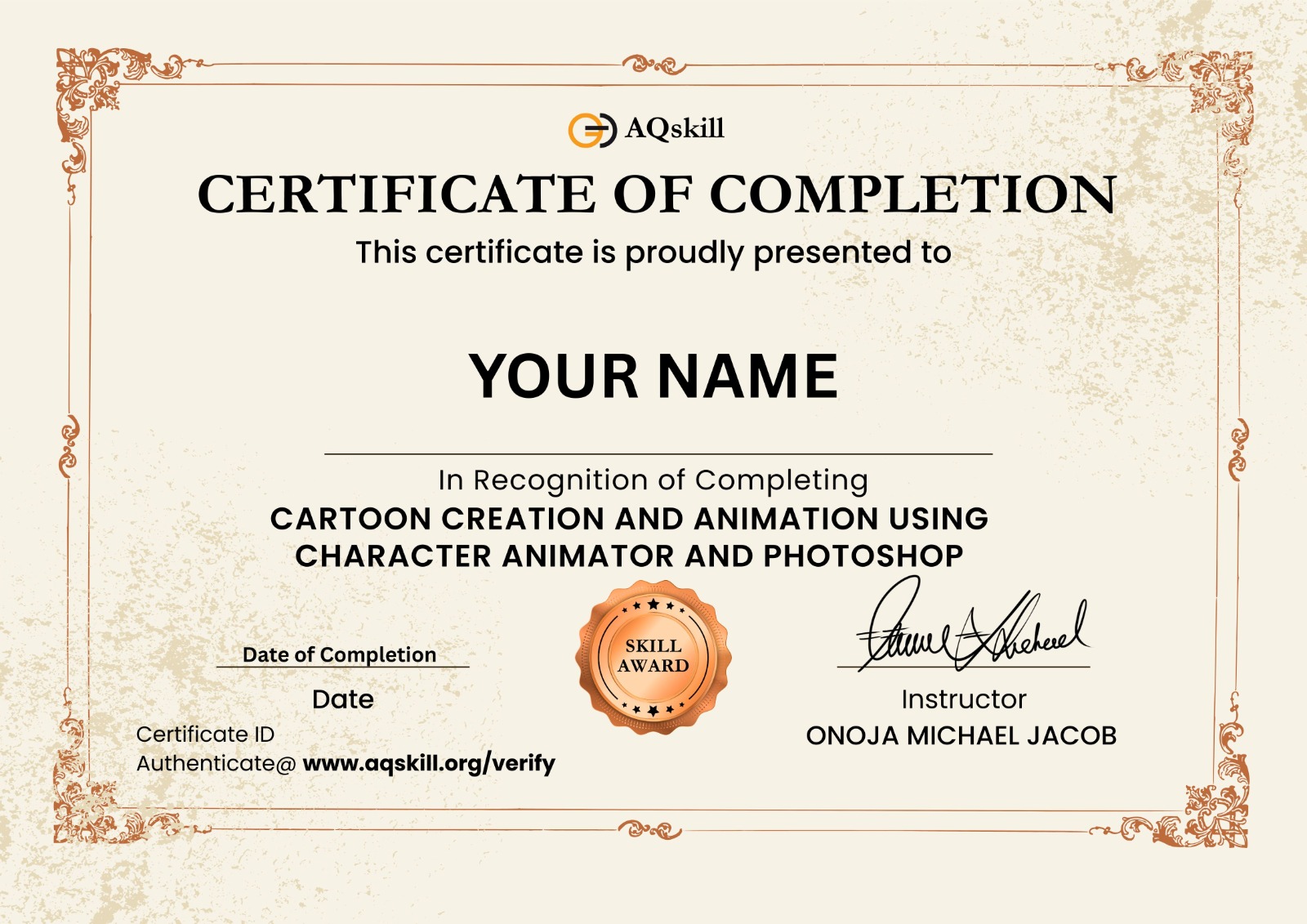
Yes, a certificate of completion will be issued at the end of the course at No charge.
 Section 1 : Introduction to Character Animator
Section 2 : Download all your Applications
Section 3 : Resolving Common Issues
Section 4 : How to use reference Guide for Projects
Section 5 : Configuring Character Animators Interface
Section 6 : Introduction to Photoshop
Section 7 : Designing in Photoshop and Rigging
Section 8 : Walk Cycle
Section 9 : Basic Background Sketch and Design
Section 10 : Frontal Walk Cycle and Compositing in After Effects
Section 11 : Introduction to Motion Library
Section 12 : Advance Motion Library and compositing
Section 13 : Recording performance (Capture)
Section 14 : Head Turner Behaviour
Section 15 : Compositing in After Effects
Section 16 : Editing and Existing Puppets
Section 17 : Advance Environment Sketch and Design
Section 18 : Final Compositing in After Effects
Section 1 : Introduction to Character Animator
Section 2 : Download all your Applications
Section 3 : Resolving Common Issues
Section 4 : How to use reference Guide for Projects
Section 5 : Configuring Character Animators Interface
Section 6 : Introduction to Photoshop
Section 7 : Designing in Photoshop and Rigging
Section 8 : Walk Cycle
Section 9 : Basic Background Sketch and Design
Section 10 : Frontal Walk Cycle and Compositing in After Effects
Section 11 : Introduction to Motion Library
Section 12 : Advance Motion Library and compositing
Section 13 : Recording performance (Capture)
Section 14 : Head Turner Behaviour
Section 15 : Compositing in After Effects
Section 16 : Editing and Existing Puppets
Section 17 : Advance Environment Sketch and Design
Section 18 : Final Compositing in After Effects
Recent reviews
Empower and fuel your creativity and passion for learning, read testimonials

Gideon Julius

All I can say is a very big thanks for taking your time to explain this course set by set, thank you very much sir. May God continue to increase you IJN🙏

Ayuba Time
Wonderful course indeed!!! I learnt it all the way through... thanks Mr. Micheal Onoja for taking ur time to explain this in detail sir.

Usman Adamu
welldone the way instructor explain the topics is very clear and the course has enough materials morethan what we paid.

CHIBUIKE CHIKWADO FAVOUR
I truly like the learning process and the fact that it is downloadable is still another thing to be commended for.

Uchennaya Godsproperty Ejike
This course is well explained, very convenient and simple.. I wish I had known you guys earlier..

Babatunji George
Its a good learning platform. I like the fact that the courses are downloadable unlike Udemy.

Oghenetega Ebenezer
It's truly a beginners friendly course, constant practice can make one perfect, thumbs up!

Michael Onwusoro
The learning process, especially for beginners, is top notch. Thank you, Mr., Onoja.

Quadri Azeez
I'm happy with the fact that the videos are not too long and they're well explained

Adejumobi Toluwanimi
It is very easy to understand but their is always room for improvement
Frequently Asked Questions (FAQ)

Are the videos downloadable ?

The videos are efficiently compressed for quick downloads at any time.
How do I access the course videos and materials?
Once your payment is complete, you will have full access to the course lessons and materials. You can download and watch them at your convenience, and our team will provide full support and assistance throughout your learning journey.
How can I obtain my certificate after completing the course?
Once you have completed the course, you can easily download your certificate directly from your dashboard.
See course top reviews
Empower and fuel your creativity and passion for learning, read testimonials
Gideon Julius
All I can say is a very big thanks for taking your time to explain this course set by set, thank you very much sir. May God continue to increase you IJN🙏
Ayuba Time
Wonderful course indeed!!! I learnt it all the way through... thanks Mr. Micheal Onoja for taking ur time to explain this in detail sir.
Usman Adamu
welldone the way instructor explain the topics is very clear and the course has enough materials morethan what we paid.
CHIBUIKE CHIKWADO FAVOUR
I truly like the learning process and the fact that it is downloadable is still another thing to be commended for.
Uchennaya Godsproperty Ejike
This course is well explained, very convenient and simple.. I wish I had known you guys earlier..
Babatunji George
Its a good learning platform. I like the fact that the courses are downloadable unlike Udemy.
Oghenetega Ebenezer
It's truly a beginners friendly course, constant practice can make one perfect, thumbs up!
Michael Onwusoro
The learning process, especially for beginners, is top notch. Thank you, Mr., Onoja.
Quadri Azeez
I'm happy with the fact that the videos are not too long and they're well explained
Adejumobi Toluwanimi
It is very easy to understand but their is always room for improvement
2days 6hours left
Course features
-
 50 Lessons(8 Hours)
-
 3 years access to course
-
 2350 Students
-
 Skill level : All Levels
-
 Certificate : Yes
-
 Rated: 4.8



You may also like
Choose from variety of courses and learning path


 Cartoon Creation & Animation
  1521
1521 2days 6hours left
₵100
₵328