
Continue with Google
or

A course by TA Digital, Microsoft Word
 99% Positive Reviews (13)
 772 Students


Master Microsoft Word to create, format, organize, and automate professional documents with confidence and efficiency.
 1. Get Started
2. Edit Text
3. Formatting Text
4. Working with Paragraph Text
5. Format Pages
6. Creating Bullet & Number List
7. Illustrating your Documents
8. Proof your documents
9. Share and Collaborate
10. Using Macros
1. Get Started
2. Edit Text
3. Formatting Text
4. Working with Paragraph Text
5. Format Pages
6. Creating Bullet & Number List
7. Illustrating your Documents
8. Proof your documents
9. Share and Collaborate
10. Using Macros
Empower and fuel your creativity and passion for learning, read testimonials


I am really enjoying and learning more in this class

I am very thankful for lessons and enjoying it

its been amazing, interesting and explanatory

This course is very interesting and important

Learning this course is a great experience.

Very interesting and understandable so far

easy understanding thanks to the tutor

will edge everyone to take this course

it's really nice, thanks so much

This is so good I love it .


The videos are efficiently compressed for quick downloads at any time.
Once your payment is complete, you will have full access to the course lessons and materials. You can download and watch them at your convenience, and our team will provide full support and assistance throughout your learning journey.
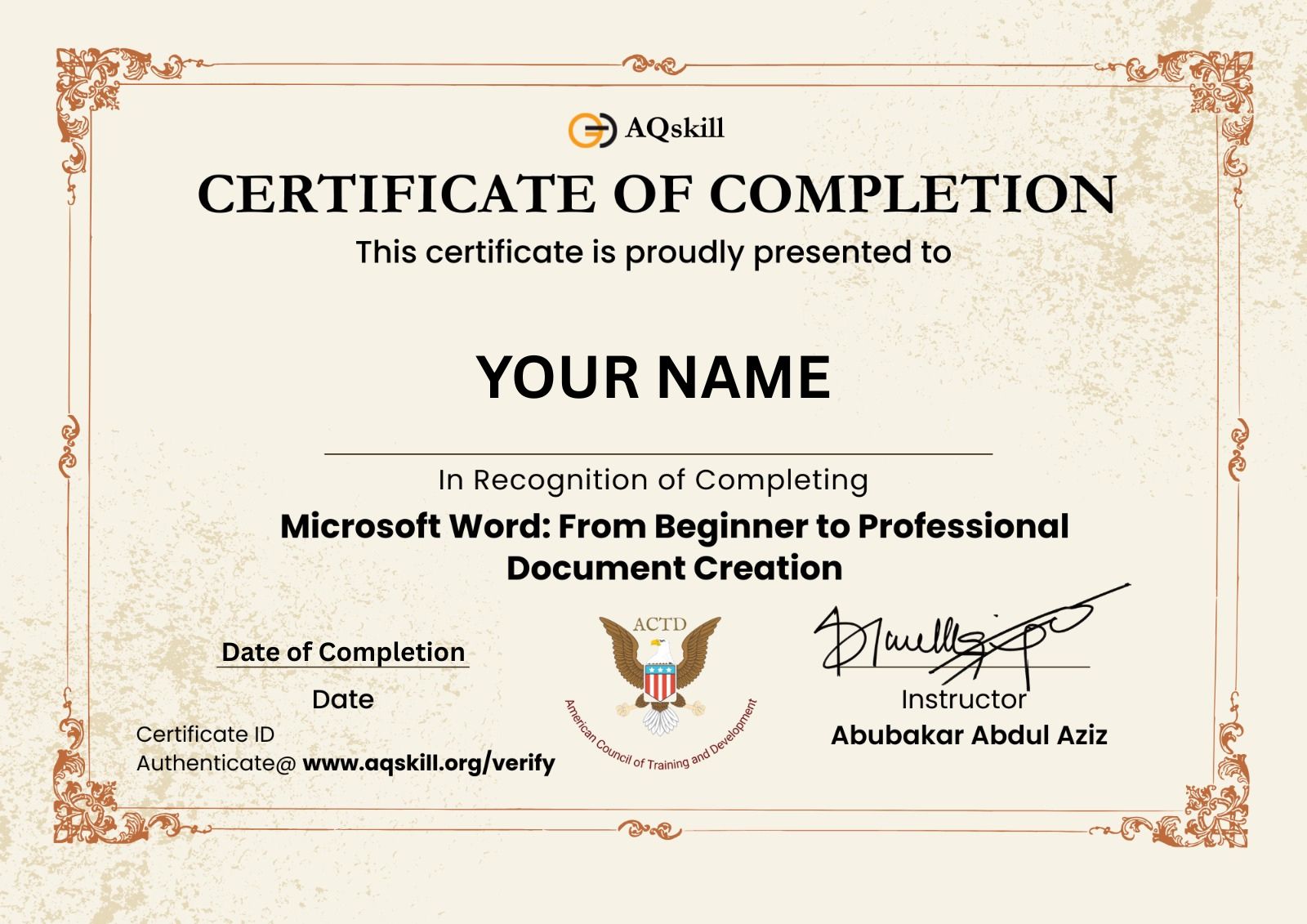
Once you have completed the course, you can easily download your certificate directly from your dashboard.
Empower and fuel your creativity and passion for learning, read testimonials
I am really enjoying and learning more in this class
I am very thankful for lessons and enjoying it
its been amazing, interesting and explanatory
This course is very interesting and important
Learning this course is a great experience.
Very interesting and understandable so far
easy understanding thanks to the tutor
will edge everyone to take this course
it's really nice, thanks so much
This is so good I love it .
22hours left
 42 Lessons(3 Hours)
 3 years access to course
 772 Students
 Skill level : All Levels
 Certificate : Yes
 Rated: 4.7



Choose from variety of courses and learning path
 4.6
4.6


 Cybersecurity
  3995
3995 22hours left
XAF5,600
XAF18,480
These are pillars that trusted and support our vision and mission